
One-Prompt Multi-Track Generation
Generate dialogue, sound effects, background music and ambience together in a single pass — already mixed, time-aligned, and broadcast-ready. No DAW or post-production required.
This is the practical how-to guide for using Seed Audio 1.0. Skip the UI walkthrough and get straight to what matters: what the model can do, the 3 core steps to generate audio, the two main input modes (text-only and reference audio), and exactly how to apply Seed Audio 1.0 to podcasts, audiobooks, ads and video dubbing.
Every sound below was generated by Seed Audio 1.0 from a single prompt — multi-host dialogue, reactions and room tone in one pass.
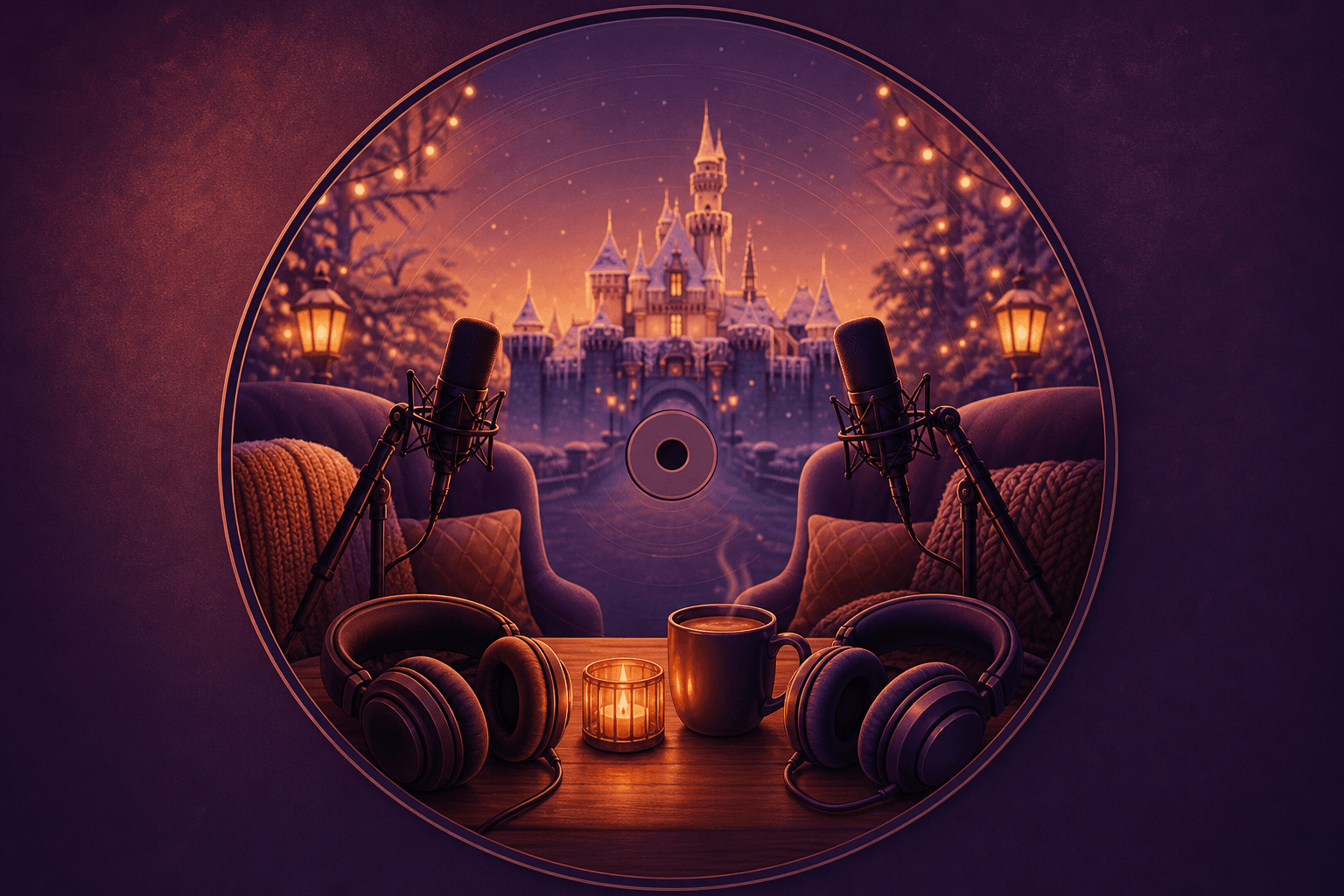
Dual-Host Podcast
Generated with Seed Audio 1.0 · 1m 21s
Prompt used
Host 1: adult male, deep slightly raspy voice, clear pronunciation, slightly fast speaking pace, podcast style. Calm tone:
"I feel like guilt isn't something you can make up for once or twice, right? It's more like... it's something you carry for life. So, yeah."

He pauses briefly, then speaks with slightly stronger emphasis:
"That trip to Disneyland really came down to those two reasons."

Host 1 raises his tone a little, sounding surprised and storytelling:
"I'll tell you, once we got there, I was honestly kind of shocked. You can see it in the vlog. I really was surprised, because we specifically picked the coldest day Southern California had seen all winter. The low that day was around twenty-six degrees Fahrenheit."

Emphasize the word "specifically."

Host 2: young female, cool mature voice, slightly husky and low. She briefly agrees:
"Yeah."

Host 1 returns to a calm tone:
"And the two of us were thinking, hey, it's this cold, there probably won't be any lines."

At this point, Host 2 laughs softly.

Host 1 continues:
"So we were like, alright, let's just go for it."

Add a slight swallowing sound here.

Host 1 continues:
"But when we got there, there were still a lot of people. Honestly, there were still a lot."

Host 2, brief and affirmative:
"Yeah."

Host 1's tone rises slightly, explaining:
"But Lisa told me that compared with summer, especially peak vacation season, the crowd was already way, way smaller. From walking in, entering the park, waiting in line, and going through security, it probably only took us about fifteen to twenty minutes before we were actually inside and ready to start playing."
Type: Combined showcase — multi-character podcast conversation with reactions
Duration: ~1 minute 21 seconds
Display: Inline audio player with collapsible prompt
Audio file: dual-host-podcast.wav
Before diving into the steps, here's what Seed Audio 1.0 is actually capable of generating in a single pass — so you know which features to combine for your use case.
Generate dialogue, sound effects, background music and ambience together in a single pass — already mixed, time-aligned, and broadcast-ready. No DAW or post-production required.
Choreograph multiple speakers in one generation. Seed Audio 1.0 handles voice assignment, turn-taking, emotional pacing and natural reactions like laughs and sighs automatically.
Upload one short reference clip — no training required — and Seed Audio 1.0 will replicate that voice's timbre, prosody and emotion across new dialogue and any scene context.
Describe your audio in plain text, attach a reference audio for voice style, or upload an image to infer character personality. Seed Audio 1.0 accepts all three in one prompt.
Generate up to 2 minutes per pass, then continue seamlessly to tens of minutes — keeping every character's voice identical across audiobooks, podcasts and serialized drama.
Direct background music style, instruments and intensity. Place sound effects at exact moments. Add room tone and atmosphere. All generated alongside dialogue, in one pass.
Forget interfaces and account setup — what actually matters is the creative workflow. Every audio you generate with Seed Audio 1.0 follows these three steps.
Step 1
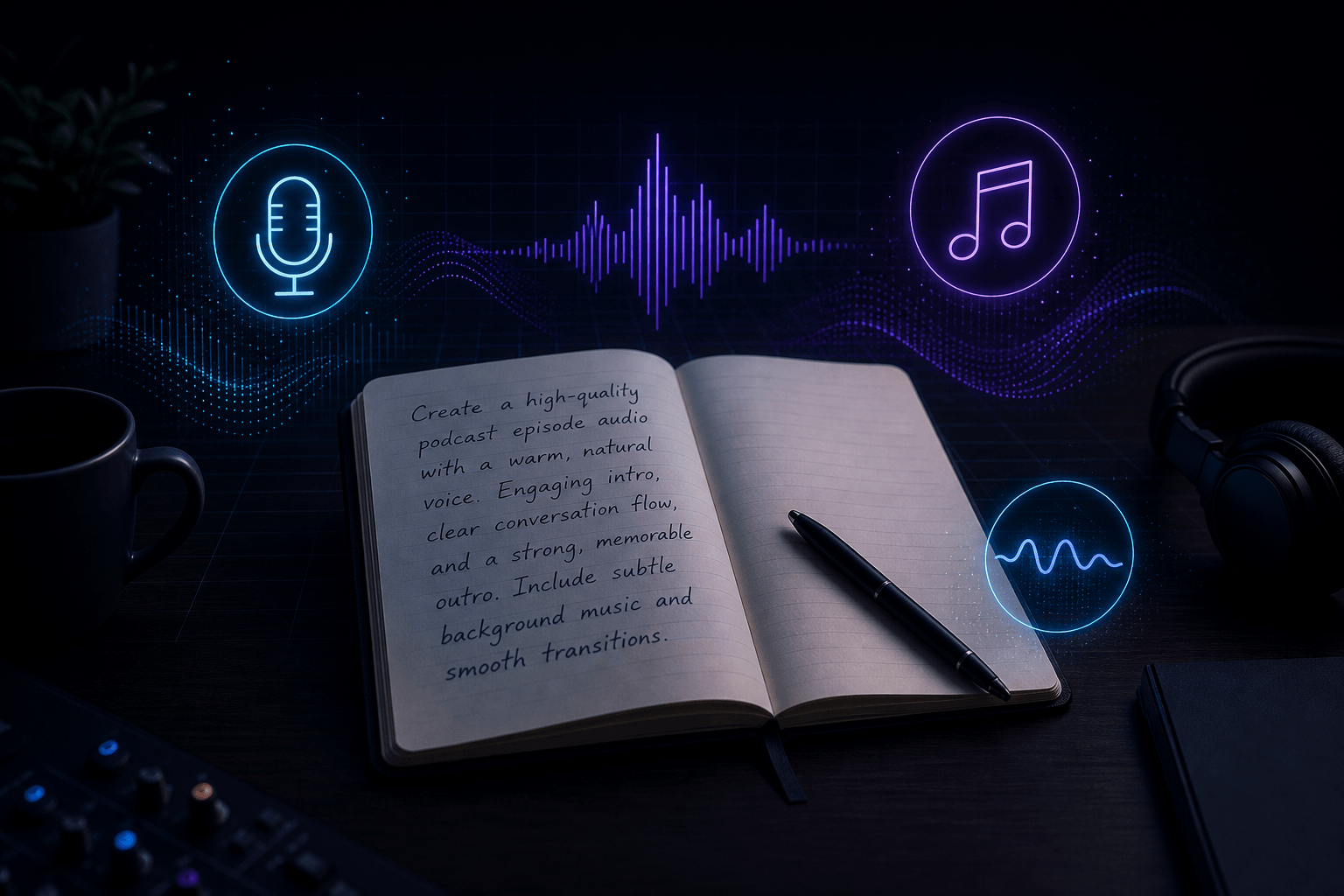
Write a short description of the audio you want to create. Cover what matters: format (podcast, drama, ad…), setting, mood, music style, key sound effects, characters and dialogue. The more layered your description, the more cinematic the output.
💡 Tip: One paragraph is enough. You don't need to write a screenplay. See the Prompting Guide for the full 9-element structure.
Concept: An open notebook page with a prompt being written in plain English, with small icons floating around it (microphone, music note, sound wave) representing the elements being described.
Step 2
Decide whether to generate from text alone, or to provide reference audio for one or more characters. Text-only is fastest. Reference audio gives you specific voice identity and long-form voice consistency. You'll choose this for every generation.
💡 Tip: You can combine both — use text to describe most characters and reference audio only for the ones whose voice identity matters (e.g. the host, the brand voice, your own narrator voice).
Concept: A split path — one route shows a text bubble flowing into the model, the other shows a sound wave icon (reference audio) merging with text input. Both converge into the generation engine.

Step 3
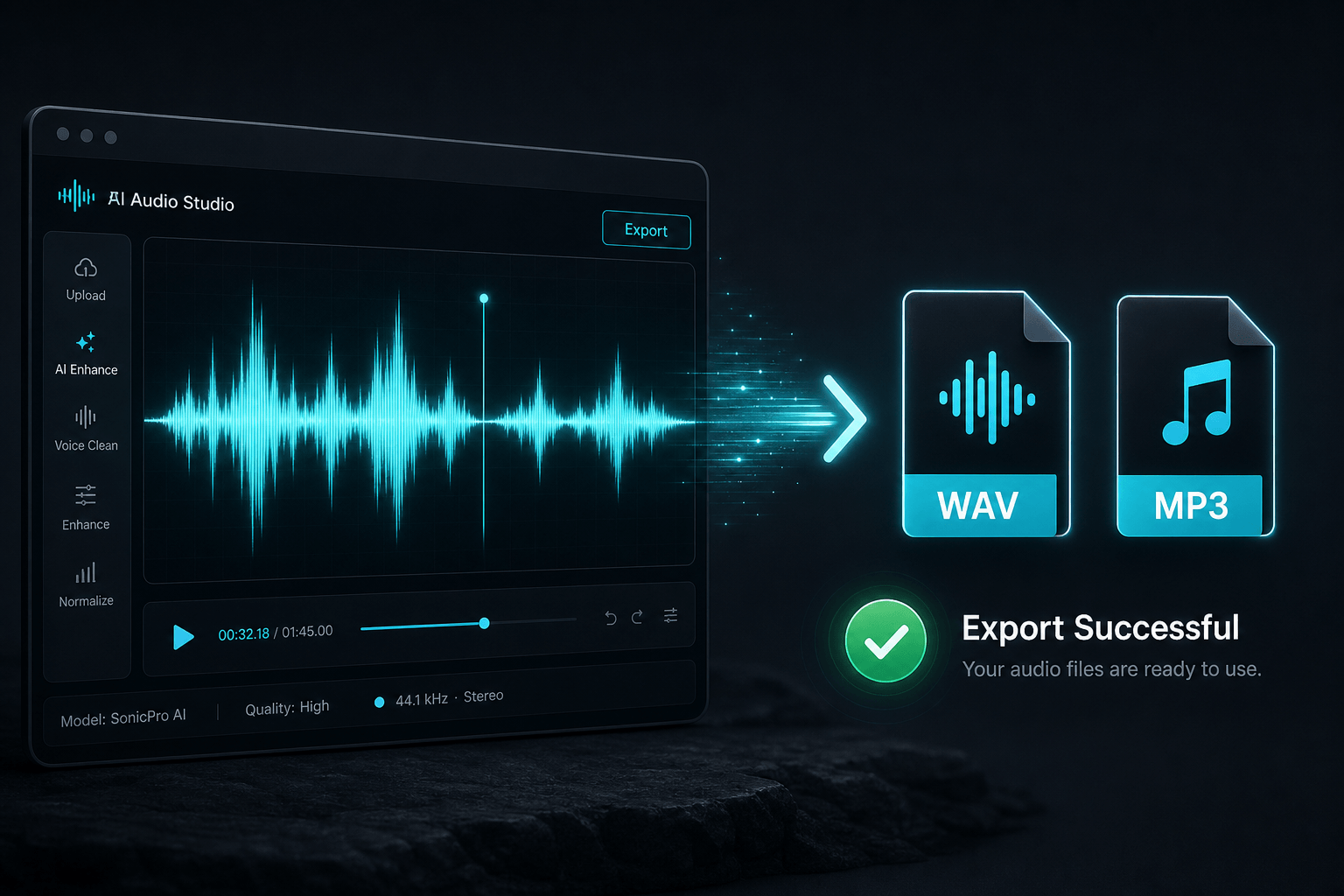
Generate the audio, listen for scene clarity, pacing, voice consistency and mix balance, then export the result. If something feels off, revise the prompt rather than starting from scratch — small changes usually produce better improvements than random retries.
💡 Tip: Keep the prompt that produced a great result. Treat it as your reusable template for future episodes, chapters, ads or scenes.
Concept: A waveform being generated in real time, then turning into downloadable WAV / MP3 file icons with a small checkmark.
Seed Audio 1.0 supports two main input modes. Most creators use both — sometimes in the same project. Start with the comparison table, then follow the mode that fits your project.
| Dimension | Text-Only Generation | Reference Audio Generation |
|---|---|---|
| Input | Text prompt only | Text prompt + 1–8 reference clips |
| Setup time | Seconds | ~30 seconds per reference upload |
| Voice identity control | Model decides from prompt cues | Exact match to uploaded clip |
| Voice consistency | Stable within one generation | Stable across many generations |
| Best for | Ads, one-off scenes, exploration | Audiobooks, podcasts, drama series |
| Reusable across projects | No | Yes — saved voices in your library |
| Required plan | Free and up | Basic and up (3 voices on Basic) |
You write a description, and Seed Audio 1.0 decides every voice based on your prompt's character cues. No uploads. Fastest path from idea to output.
Create a [audio format] for [scenario].
Setting: [place + atmosphere].
Mood: [emotion].
Music: [style + instruments + intensity].
SFX: [key sounds].
Character A, [emotion or speaking style]:
"[dialogue]"
Ending: [final sound or beat].
Text-only example — no uploads, single prompt, broadcast-ready brand audio with narrator, music and SFX.

Golden Hour Coffee — Text-Only Ad
Generated with Seed Audio 1.0 · ~30s
Prompt used
Create a polished 30-second audio ad for a modern coffee brand.

Setting: early morning in a bright city apartment. A window opens, soft traffic passes outside, and a coffee machine starts brewing. Background music is warm and upbeat: soft guitar, light piano, subtle percussion, and a gentle bass groove. Mood: fresh, optimistic, premium, and inviting.

SFX: coffee beans pouring, grinder starting, espresso machine steaming, ceramic cup placed on a counter.

Narrator: clear, friendly, confident commercial voice:
"Every morning starts with a choice. Rush through the day, or take one perfect moment for yourself."

SFX: coffee pouring into a cup, soft steam.

Narrator:
"Golden Hour Coffee brings rich aroma, smooth flavor, and café-quality freshness straight to your kitchen."

SFX: small spoon stirring, relaxed morning ambience.

Customer:
"That first sip? Exactly what I needed."

Music lifts slightly, brighter and more energetic.

Narrator:
"Crafted for busy mornings, quiet weekends, and every little pause in between."

SFX: phone notification, keys picked up, apartment door opening.

Narrator, warm and memorable:
"Golden Hour Coffee. Make the morning yours."

End with a clean brand sound: soft chime, gentle bass hit, and fading coffee shop ambience.
Type: 30-second brand ad generated text-only
Duration: ~30 seconds
Caption: Text-Only example — no uploads, single prompt, broadcast-ready.
Audio file: Advertising & Marketing.wav
You upload one or more short reference clips, then use the prompt to tell Seed Audio 1.0 which character each clip belongs to. This gives you voice identity control and repeatability across longer projects.
Create a [audio format] for [scenario].
Setting: [place + atmosphere].
Mood: [emotion].
Music: [style + instruments + intensity].
Use @Audio 1 as [Character A / narrator / host].
Use @Audio 2 as [Character B / guest / second speaker].

Character A, performed by @Audio 1, [emotion]:
"[dialogue]"

Character B, performed by @Audio 2, [emotion]:
"[dialogue]"

Ending: [final sound or beat].
Use @Audio 1, @Audio 2… to bind each uploaded clip to a character. Keep the same @Audio assignment for the same character across the whole project.
Reference audio example — two uploaded voices assigned via @Audio 1 and @Audio 2, one mixed livestream scene.
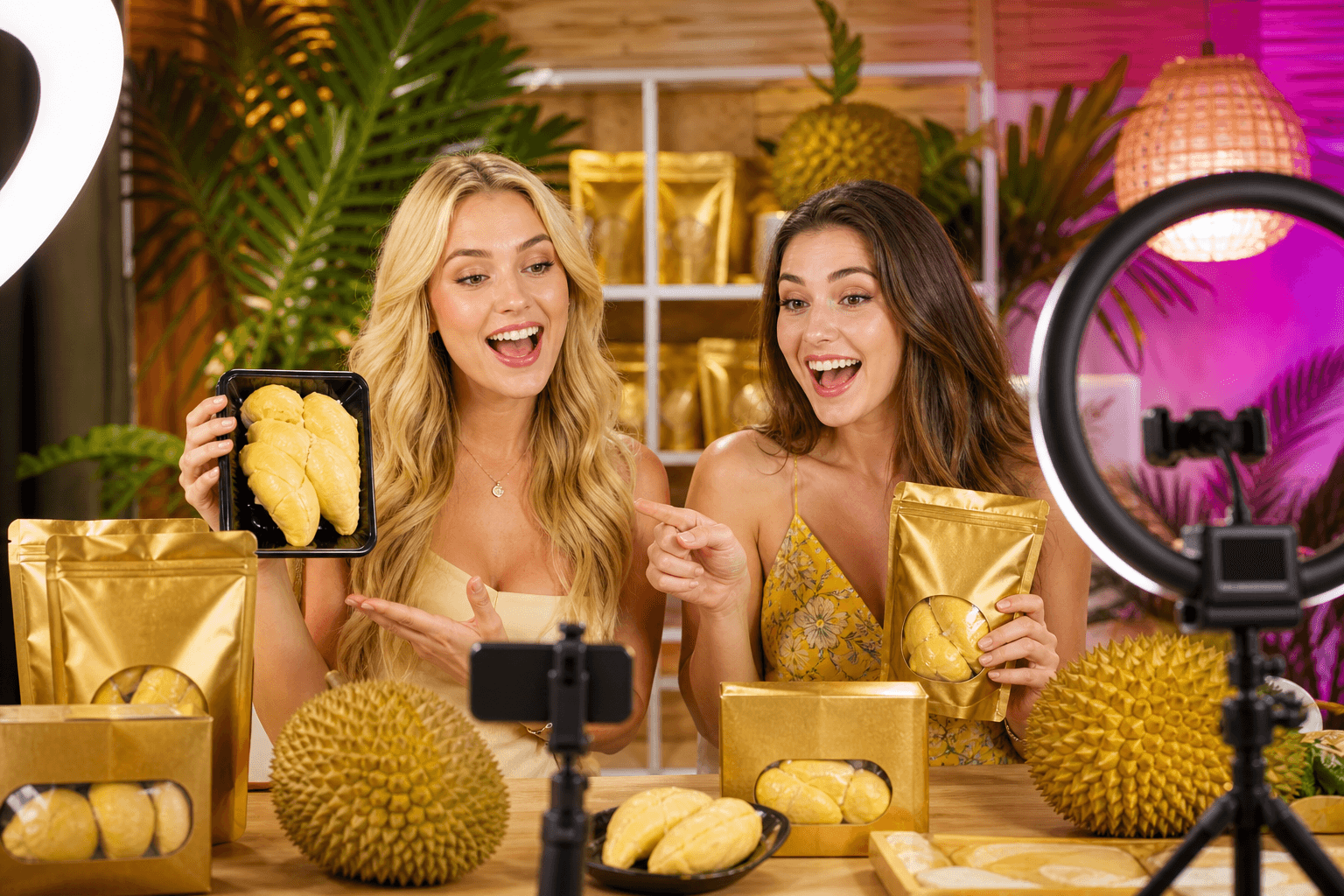
Livestream Sales — Reference Audio
Generated with Seed Audio 1.0 · 1m 9s
Prompt used
Background music is extremely soft: upbeat Southern folk-style music with a female vocal, lively and positive.

Host 1: young female voice, bright, energetic, warm Southern accent, enthusiastic livestream seller, performed by @Audio 1. She speaks actively, carefully, and with empathy for the audience:
"Look at that golden color. That usually means this is really good-quality durian. Let me take a closer look."

Host 2: young female voice, gentle, sweet, performed by @Audio 2. She softly agrees:
"Right."

SFX: light plastic package touching and crinkling.

Host 1 continues with high energy:
"This is A-plus grade, tree-ripened Golden Pillow durian from its local origin."

Host 2 adds:
"Golden Pillow."

Host 1 continues:
"And friends, this is durian flesh with the seed still inside. It's not the kind where someone digs the seed out for you. The less human handling, the more安心 you can feel eating it. Plus, it keeps well. The shelf life is eighteen months."

Host 2 occasionally agrees:
"Right." "Mm-hmm."

Host 1 keeps selling:
"So it really depends on how much freezer space you've got at home. If you've got room, I honestly suggest getting two packs instead of just one."

Host 1 continues:
"Because if you buy two packs, there's another ten-dollar discount. Yes, another ten dollars off. Look, people are already dropping '1' in the chat like crazy."

She says this next line in a playful, joking tone:
"You're all so good at this, it almost breaks my heart."

Host 2 laughs and agrees:
"Oh my gosh, yes."

Host 1 repeats warmly and playfully:
"So good at this, it almost breaks my heart."
Type: Multi-voice livestream sales scene with @Audio 1 and @Audio 2
Duration: ~1 minute 9 seconds
Caption: Reference Audio example — two uploaded voices, one mixed scene.
Audio file: dual-host-livestream-sales.wav
The 3 core steps stay the same. What changes is which elements to emphasize, which input mode to choose, and which plan gives you enough credits to finish your project. Expand a scenario to see specs, tips and example links.
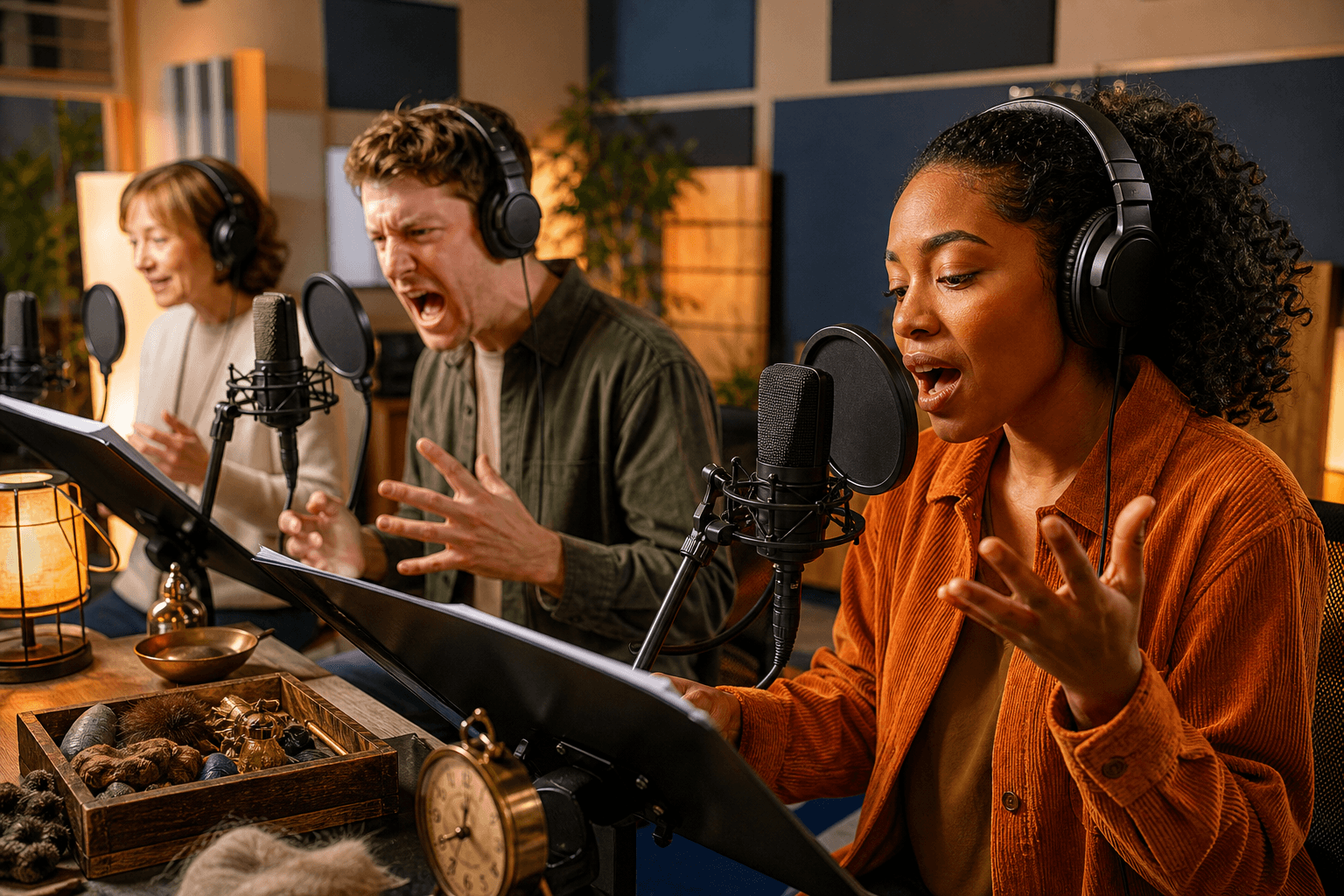
Audiobooks live or die on voice consistency across hours of listening. Seed Audio 1.0's long-form continuation mode and zero-shot voice cloning solve the two biggest pain points: narrator drift and character voice mixing.
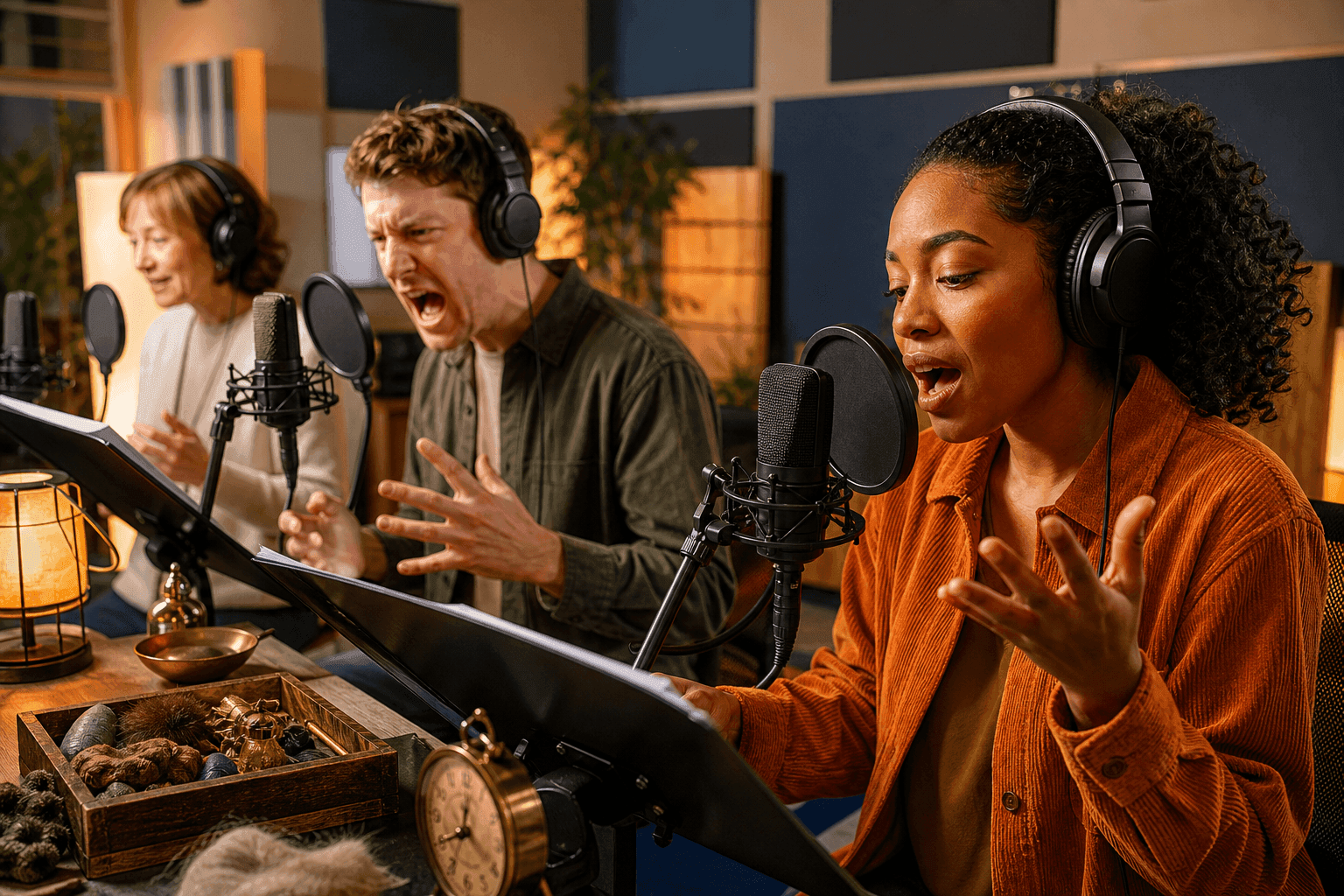
Radio Drama & Audiobook
Generated with Seed Audio 1.0 · Sample
Prompt used
Create a cinematic radio drama scene for a serialized audiobook.

Setting: a stormy night inside an old coastal lighthouse. Heavy rain hits the windows, distant thunder rolls over the ocean, and the lighthouse lamp rotates with a low mechanical hum. Background music is subtle and cinematic: deep strings, soft piano, low ambient drones, and light percussion. Mood: mysterious, emotional, and suspenseful.

Narrator: clear audiobook narration, calm but tense:
"On the night the lighthouse went dark, Clara found the letter her father had hidden for twenty years."

SFX: paper envelope opening, wind pushing against a wooden door.

Clara: anxious but determined:
"This can't be real. He said the island was abandoned."

Elias: quiet, protective, weary:
"Your father lied to keep you alive. Some stories are buried for a reason."

SFX: sudden thunder crack, glass rattling, distant foghorn.

Clara:
"Then tell me the truth. What's under the lighthouse?"

Elias pauses. Music drops lower.

Elias:
"Not under it. Inside it."

SFX: metal gears turning, hidden stone door opening, deep underground air rushing out.

Narrator:
"And as the stairs appeared beneath the tower, Clara realized the lighthouse had never been guiding ships. It had been guarding something."

Music rises with strings and a soft bass hit. End with distant ocean waves, fading rain, and one final lighthouse bell.
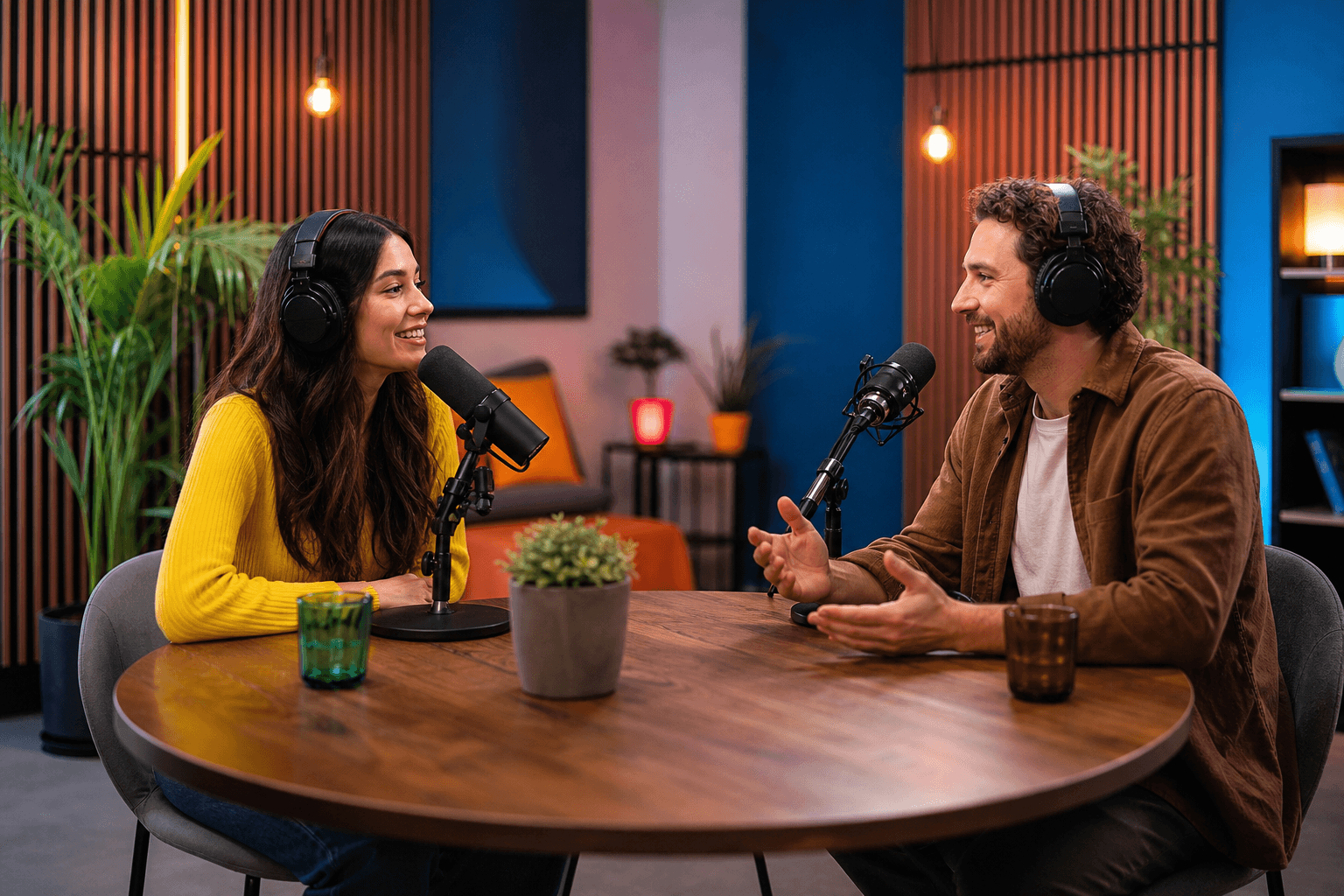
Podcasts are conversational, multi-host and depend on natural reactions — laughs, sighs, "yeah totally" beats. Seed Audio 1.0 handles all of these natively. The key is binding each host to a stable voice identity.
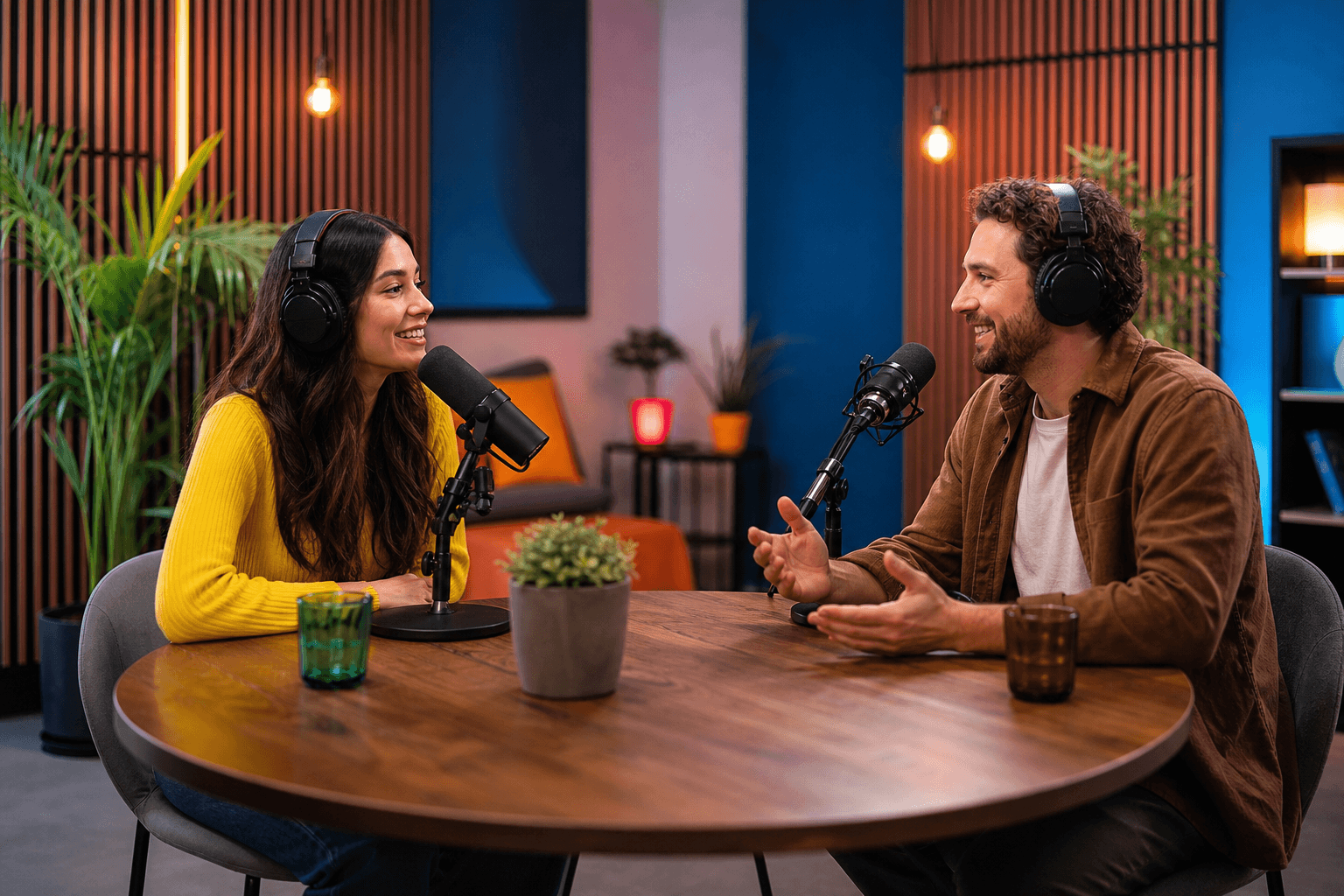
Podcast Production
Generated with Seed Audio 1.0 · Sample
Prompt used
Create a polished podcast segment about a fun topic: "Would people actually enjoy living with household robots?"

Setting: a cozy modern podcast studio. Add soft room tone, light chair movement, and occasional mug sounds. Background music is very subtle: warm lo-fi beat, soft bass, and light keyboard chords. Mood: relaxed, witty, thoughtful, and friendly.

Intro SFX: short podcast jingle, soft pop sound. Music fades under the conversation.

Host A:
"Today's question is simple: if a robot lived in your house, would it make life better... or just way more awkward?"

Host B:
"Helpful? Definitely. But imagine a robot silently tracking how many times you open the fridge at midnight."

Host A:
"That's the real danger. Not robot rebellion. Robot judgment."

SFX: light laughter, mug placed on desk.

Host B:
"Exactly. Like, 'Based on your recent behavior, you do not need another slice of cake.' That would ruin my whole week."

Host A:
"But if it does laundry, cleans the kitchen, and finds my keys, I might accept the judgment."

Host B:
"I just want boundaries. Don't read my texts, don't comment on my snacks, and never say, 'We need to talk.'"

Host A:
"That's when you unplug it immediately."

SFX: both hosts laugh lightly. Music lifts slightly.

Host B:
"So the perfect household robot is useful, quiet, and emotionally unavailable."

Host A:
"Basically a dishwasher with better timing."

Outro SFX: podcast jingle returns.

Host A:
"Next time, we'll ask an even harder question: should your smart fridge have opinions?"

Music fades out with a clean podcast outro sound.

Ads need fast setup, polish and tight control over tone. Seed Audio 1.0 can generate narrator, music, brand chime and product sound effects together, which makes it useful for rapid creative testing.
Advertising & Marketing
Generated with Seed Audio 1.0 · Sample
Prompt used
Create a polished 30-second audio ad for a modern coffee brand.

Setting: early morning in a bright city apartment. A window opens, soft traffic passes outside, and a coffee machine starts brewing. Background music is warm and upbeat: soft guitar, light piano, subtle percussion, and a gentle bass groove. Mood: fresh, optimistic, premium, and inviting.

SFX: coffee beans pouring, grinder starting, espresso machine steaming, ceramic cup placed on a counter.

Narrator: clear, friendly, confident commercial voice:
"Every morning starts with a choice. Rush through the day, or take one perfect moment for yourself."

SFX: coffee pouring into a cup, soft steam.

Narrator:
"Golden Hour Coffee brings rich aroma, smooth flavor, and café-quality freshness straight to your kitchen."

SFX: small spoon stirring, relaxed morning ambience.

Customer:
"That first sip? Exactly what I needed."

Music lifts slightly, brighter and more energetic.

Narrator:
"Crafted for busy mornings, quiet weekends, and every little pause in between."

SFX: phone notification, keys picked up, apartment door opening.

Narrator, warm and memorable:
"Golden Hour Coffee. Make the morning yours."

End with a clean brand sound: soft chime, gentle bass hit, and fading coffee shop ambience.
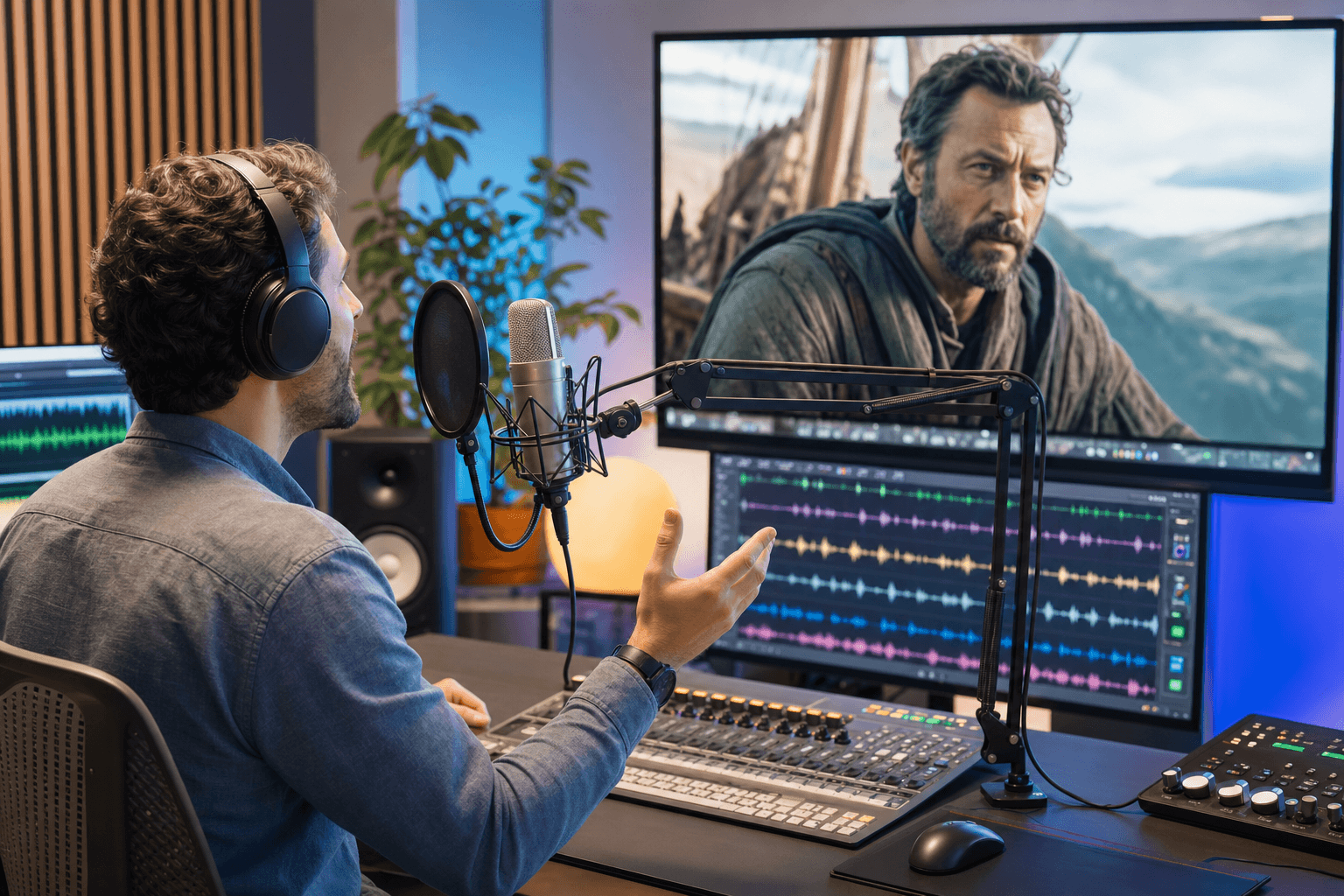
Video dubbing needs performance, timing and emotion. Seed Audio 1.0 is strongest when you describe the scene context, character state and pacing rather than only pasting translated lines.
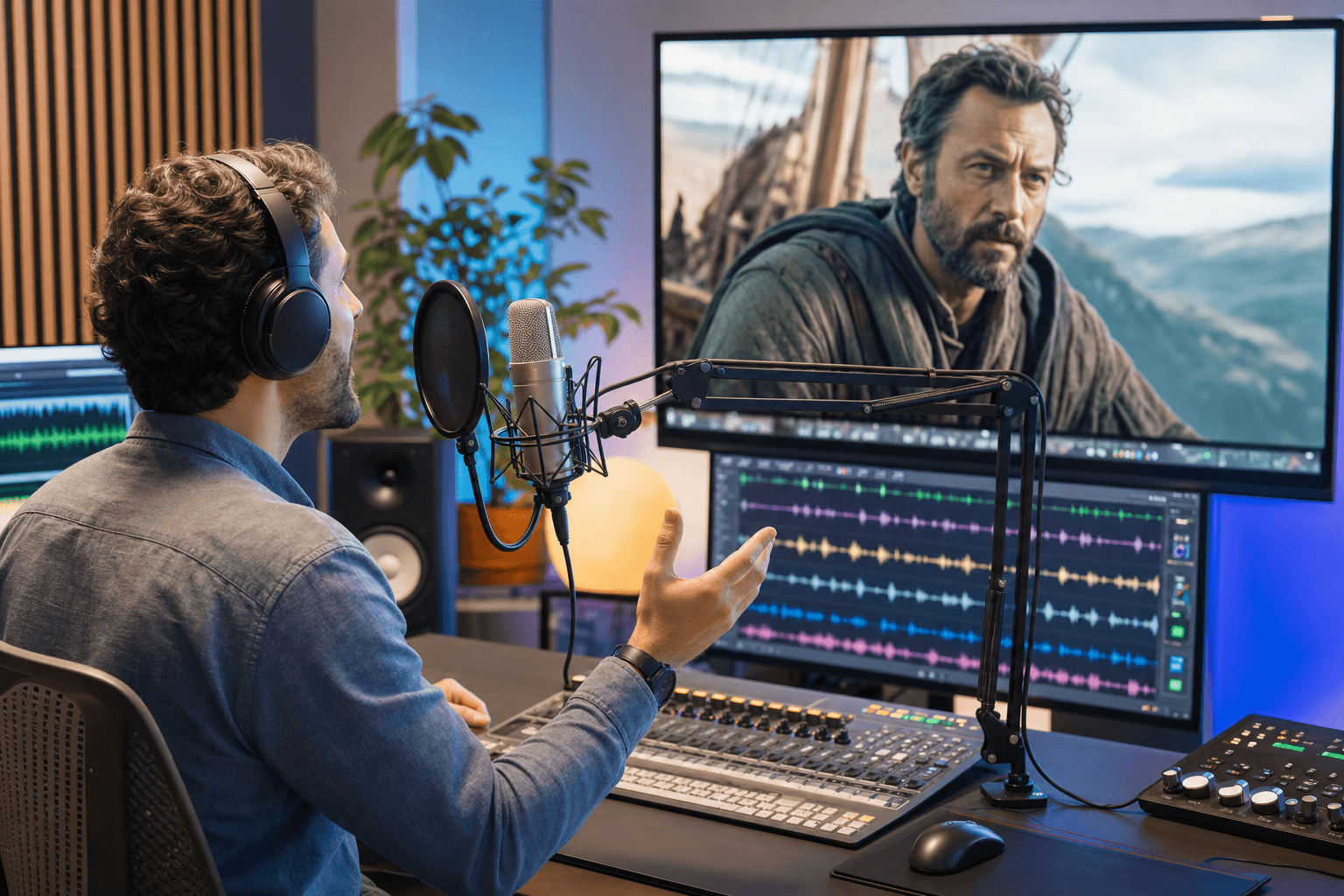
Video Dubbing
Generated with Seed Audio 1.0 · Sample
Prompt used
Create a cinematic video dubbing audio track for a short sci-fi scene.

Scene: inside a futuristic rescue vehicle moving through a rainy city at night. Neon lights reflect on wet streets. The vehicle engine hums softly, rain hits the windshield, and distant sirens pass in the background. Music is subtle and tense: low synth pads, light percussion, and soft pulsing bass. Mood: urgent, emotional, and hopeful.

Dubbing requirement: match the timing, emotion, and natural rhythm of on-screen dialogue. Keep each line concise and suitable for lip-sync.

Character A: focused and worried:
"We're running out of time. The signal is getting weaker."

SFX: radar beep, soft screen tap, rain intensifies.

Character B: calm but determined:
"Stay with it. If there's still a signal, there's still someone alive."

Character A:
"I found the location. Three blocks east, underground level."

SFX: vehicle accelerates, tires splash through water.

Character B:
"Then we go now. No one gets left behind."

Music rises slightly with a hopeful tone.

Radio voice: filtered communication audio:
"Rescue team, proceed with caution. Power grid is unstable."

SFX: brief radio static, warning beep, distant electrical crackle.

Character A, quieter:
"You really think we can make it?"

Character B:
"We don't have to be sure. We just have to try."

End with the vehicle braking, door opening, heavy rain outside, and music fading into a suspenseful pause.
Seven quick wins that consistently lift output quality — without going deep into prompt engineering. For the full structural framework, head to the Prompting Guide.
Start your prompt with "Create a [cinematic radio drama / 30-second ad / podcast conversation / video dubbing track]…" — this single phrase shapes every downstream decision the model makes.
Instead of one mood, use two with a transition: "calm and intimate, then gradually becoming tense and dangerous." Seed Audio 1.0 paces music and performance to match.
"Add music" produces generic music. "Subtle cinematic score with deep strings, soft piano and low ambient drones, quiet during dialogue, rising before the reveal" produces a score.
Instead of listing 10 generic effects, place 4–6 at specific narrative beats — "thunder crack as she opens the letter," "music drops before the final line."
"Something's wrong. We need to get out of here" beats "I am afraid because the situation is dangerous." Use contractions, short sentences, emotional beats.
Once you bind a reference audio to a role, do not switch it mid-prompt. Inconsistent voice identity is the #1 cause of "this sounds AI-generated" feedback.
If a generation is 80% right, fix the 20% by editing the prompt — not by regenerating. Each thoughtful edit beats five blind regenerations.
Want the full 9-element prompt structure, multi-reference syntax and 6 real prompt examples with generated audio?
Read the Seed Audio 1.0 Prompting Guide →Compare plans and credits →Open Seed Audio 1.0, write a short prompt that describes the audio format, setting, mood, characters and any key sound effects, then press Generate. A first generation takes about 20–60 seconds and returns a fully-mixed audio file ready to download.
Text-only mode is the default — just write your prompt without uploading any reference audio. Seed Audio 1.0 will decide every voice, sound effect and music cue based on what you describe. It's the fastest path from idea to output, ideal for ads and one-off scenes.
Upload one or more short audio clips, then assign each one to a named character in your prompt using the syntax `Character Name, performed by @Audio 1, [emotion]: "dialogue"`. Seed Audio 1.0 will replicate that voice’s identity across every line for that character.
Upload a short reference clip (10–30 seconds is enough — no training required) and assign it to a character role in your prompt. Seed Audio 1.0 captures the clip's timbre, prosody and emotional signature in zero-shot fashion, then performs new dialogue in that voice.
List each character on its own line with a clear role name, emotion or speaking style, and optional reference audio assignment. Seed Audio 1.0 handles turn-taking, pacing, non-verbal reactions and voice consistency automatically — all in a single generation.
Assign each host a reference audio (`@Audio 1` for Host A, `@Audio 2` for Host B) and keep that assignment consistent across all episodes. Write turn-taking clearly, include reaction beats, and direct the intro/outro music separately from the conversation bed.
Use reference audio for the narrator and any recurring characters, then generate chapter sections with continuation mode. Keep the narrator reference consistent, describe the chapter mood, and use character-specific voice assignments for dialogue.
Use continuation mode. Generate the first section, then continue from the previous output while keeping the same prompt structure, character assignments and reference audios. This keeps long-form voice identity and scene tone stable.
After generation, review the output and export the finished audio file. Paid plans remove the audio watermark and include commercial usage rights, so you can use the exported file in podcasts, ads, audiobooks, games, films or client work.
Edit the prompt. Add clearer format, setting, mood, music direction, SFX timing, character roles and dialogue. If a voice sounds inconsistent, use reference audio and keep the same @Audio assignment for that character.
You've got the features, the 3 steps, the two input modes and the scenario recipes. The fastest way to learn Seed Audio 1.0 is to use it.